How to Choose a Hosting Provider: 12 Important Questions To Ask
When you consider How to Choose a Hosting Provider, the process can feel surprisingly complicated.
Most hosting companies promise fast servers, excellent uptime, strong security, simple website management, and helpful support. Additionally, prices may look attractive when you first visit a provider’s site. Considering How to Choose a Hosting Provider helps compare these promises and prices.
However, the headline offer rarely tells the whole story.
A low introductory price may increase sharply at renewal. A plan advertised as “unlimited” may still have resource restrictions.
Backups may exist but cost extra to restore. Additionally, 24/7 support does not necessarily tell you what support will actually help you with.
Therefore, one of the best ways to learn how to choose a hosting provider is to contact the company’s sales support team before purchasing.
A good sales representative should be able to explain exactly what the plan includes, what costs extra, how upgrades work, what support covers, and whether you can easily move your website later.
Most importantly, asking these questions before paying gives you a chance to see how transparent and knowledgeable the provider is.
Here are 12 essential questions to ask sales support before choosing a web hosting provider. You are encouraged to visit HostRite Cloud Hosting and put these questions to the test.
What Type of Hosting Do You Recommend for My Website?
Before comparing plans, explain what you intend to build.
Tell sales support whether you are creating:
- A small business website
- A WordPress blog
- An ecommerce store
- A news website
- A membership site
- A web application
- Multiple websites
Then ask:
“Which type of hosting do you recommend for my website, and why?”
Common options include:
- Shared hosting
- WordPress hosting
- Cloud hosting
- VPS hosting
- KVM VPS hosting
- Semi-dedicated hosting
- Dedicated servers
A trustworthy sales representative should not automatically push you toward the most expensive plan.
Instead, the recommendation should match your current needs while giving you room to grow.
Also ask:
“Can I upgrade later without rebuilding or manually moving my website?”
That answer can tell you a lot about how easy the provider makes future growth.
2. What Will This Hosting Really Cost Me?
The advertised price may not be the price you pay long term.
Therefore, ask sales support:
“What will this plan cost during the first billing period, and what will it cost when it renews?”
Then ask whether there are additional charges for:
- Setup
- Migration
- SSL
- Backups
- Backup restoration
- Domain registration
- Domain renewal
- Security tools
- Dedicated IP addresses
- Control-panel licenses
- Add-on services
Also ask whether the advertised monthly price requires a long-term payment upfront.
For example, a plan advertised as $3 per month may require paying for two or three years in advance.
Therefore, the better question is not:
“What is your cheapest plan?”
Instead, ask:
“What is the total first-year cost and the normal renewal cost for everything I need?”
That gives you a much more realistic comparison.
3. What Server Resources Are Included with This Plan?
Hosting plans that look similar may provide very different amounts of processing power.
Therefore, ask:
“What actual server resources are allocated to my account?”
Depending on the type of hosting, ask about:
- CPU limits
- RAM
- Storage
- SSD or NVMe storage
- PHP workers
- Entry processes
- Database limits
- Inode limits
- Monthly bandwidth
- Data transfer
- Concurrent connections
- Server-side caching
Then ask:
“What happens if I exceed those limits?”
Will the provider:
- Slow down the account?
- Temporarily restrict it?
- Charge overage fees?
- Recommend an upgrade?
- Suspend certain processes?
A knowledgeable sales representative should be able to explain these limits clearly.
If the answers are vague, that is a reason to investigate further.
4. What Uptime Do You Guarantee?
A fast server is not useful if visitors cannot reach it.
Therefore, ask sales support:
“What uptime do you guarantee for this hosting plan?”
Then follow up with:
“Where can I read the actual uptime or Service Level Agreement terms?”
Look for details about:
- Guaranteed uptime percentage
- Scheduled maintenance
- Excluded circumstances
- How uptime is measured
- Whether compensation is offered
- How credits are requested
Many companies advertise 99.9% uptime or higher.
However, the details behind that number matter.
Therefore, sales support should be able to point you toward the actual policy rather than simply repeating the marketing claim.

5. Where Will My Website Be Hosted?
Server location can influence performance, especially when most visitors are concentrated in one region.
Ask:
“Which data center will host my website?”
Then ask:
“Can I choose the server location?”
If most of your visitors are in the United States, a U.S.-based data center may be appropriate.
Meanwhile, a business serving European customers may benefit from European infrastructure.
Possible hosting regions may include:
- United States
- Canada
- United Kingdom
- Europe
- Australia
- Asia
Also ask whether a CDN is included or available.
A CDN can help distribute certain content closer to visitors, but it is still useful to know where the origin server is located.
6. What Security Features Are Included at No Extra Cost?
Security features can vary widely between hosting companies.
Therefore, ask:
“What security protections are included with this plan without additional charges?”
Ask specifically about:
- SSL certificates
- Malware scanning
- Firewall protection
- DDoS mitigation
- Server monitoring
- Account isolation
- Two-factor authentication
- Spam protection
- Brute-force protection
- Security updates
Then ask:
“Which security features require a paid upgrade?”
This is important because some low-cost hosting plans become much more expensive after adding basic security tools.
Remember that the host is responsible for the server environment, while you remain responsible for much of the software running on your website.
For example, WordPress users still need to keep themes, plugins, and WordPress itself updated.
7. How Do Backups and Restores Work?
This is one of the most important questions to ask sales support.
Ask:
“Are backups included with this plan?”
Then ask:
- How often are backups created?
- How many days or weeks are retained?
- Are databases included?
- Is email included?
- Are backups stored separately?
- Can I download my own backup?
- Can I restore it myself?
- Does restoration cost extra?
A simple “yes, backups are included” is not enough.
For example, daily backups sound excellent. However, if only one copy is retained, that may not help when a problem went unnoticed for several days.
Therefore, also ask:
“How far back can I restore my website?”
For important websites, you should also consider keeping an independent backup outside the hosting account.
8. What Does Technical Support Actually Cover?
The phrase 24/7 support can be misleading because support policies differ considerably.
Ask sales support:
“What kinds of problems will your technical support team actually help me solve?”
Then ask whether they assist with:
- Hosting configuration
- DNS
- SSL
- WordPress
- Plugin problems
- Database issues
- Website migrations
- Server errors
- Malware
- Website restoration
Also ask which support channels are available:
- Support tickets
- Live chat
- Telephone
- Knowledge base
Then ask:
“What is the typical response time for urgent support requests?”
A provider may accept tickets 24 hours a day, but that does not necessarily mean every issue receives immediate attention.
Understanding the support boundaries before buying can prevent frustration later.
9. Which Hosting Control Panel Will I Use?
Your control panel may be one of the tools you use most often.
Therefore, ask:
“Which hosting control panel comes with this plan?”
Possible options include:
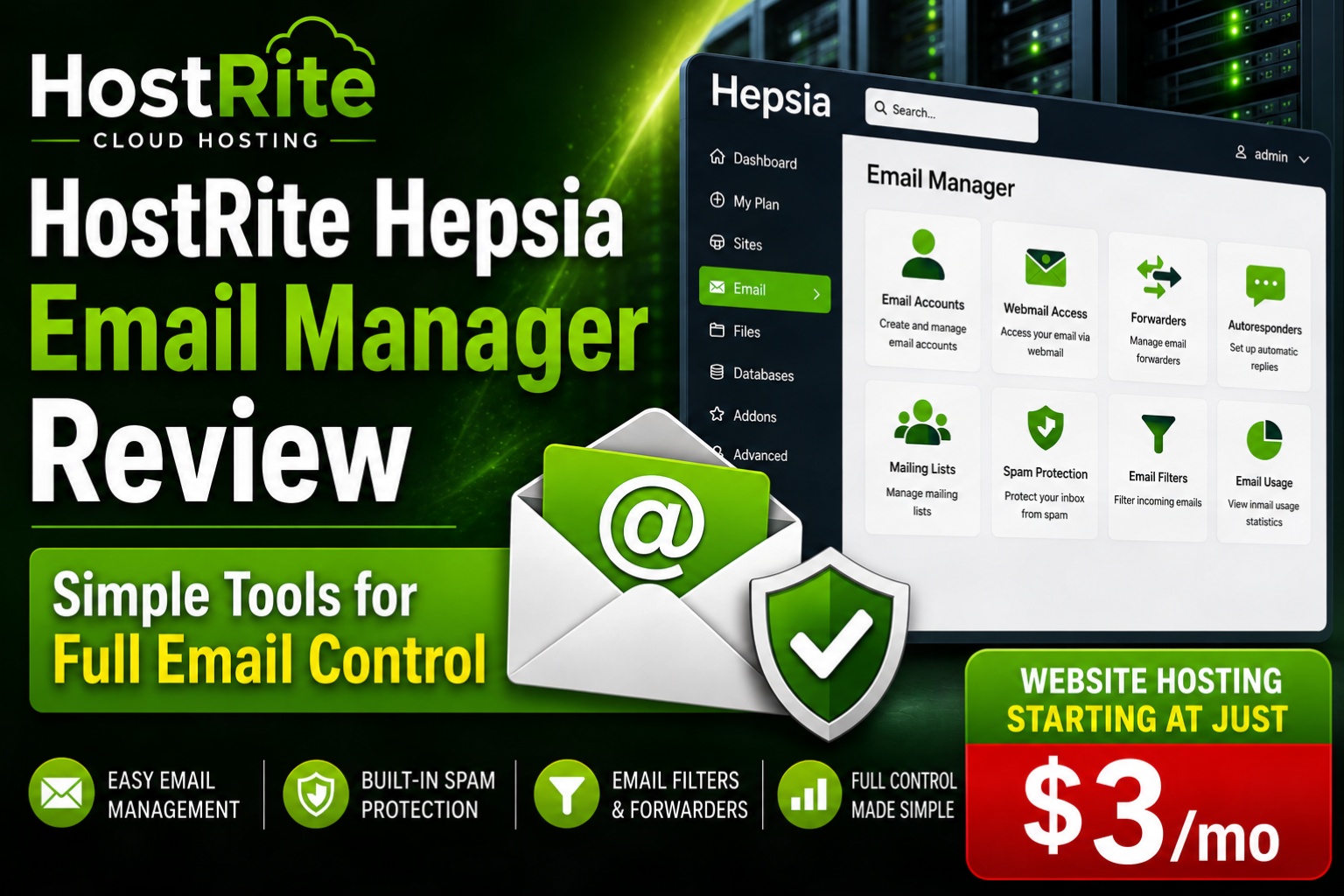
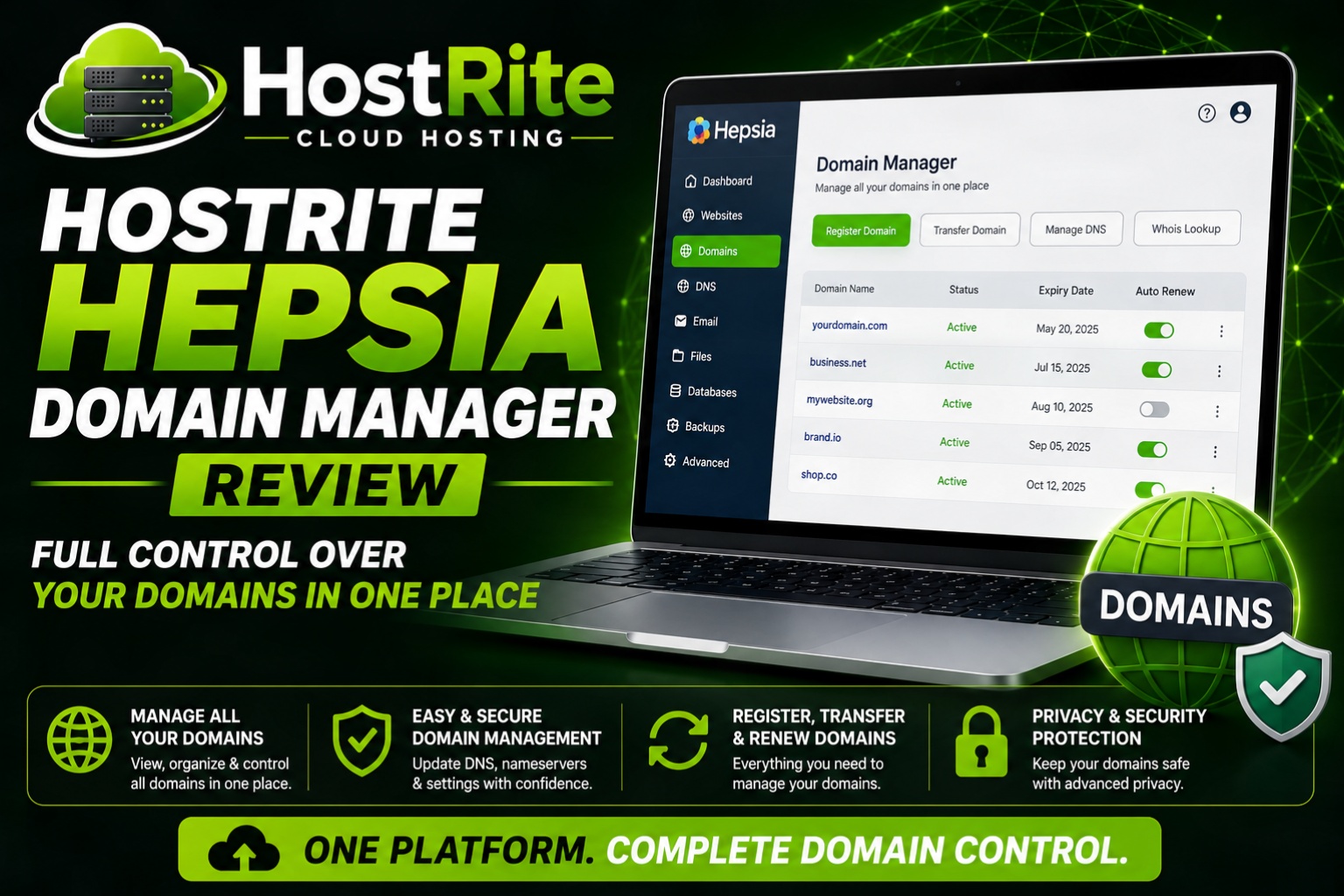
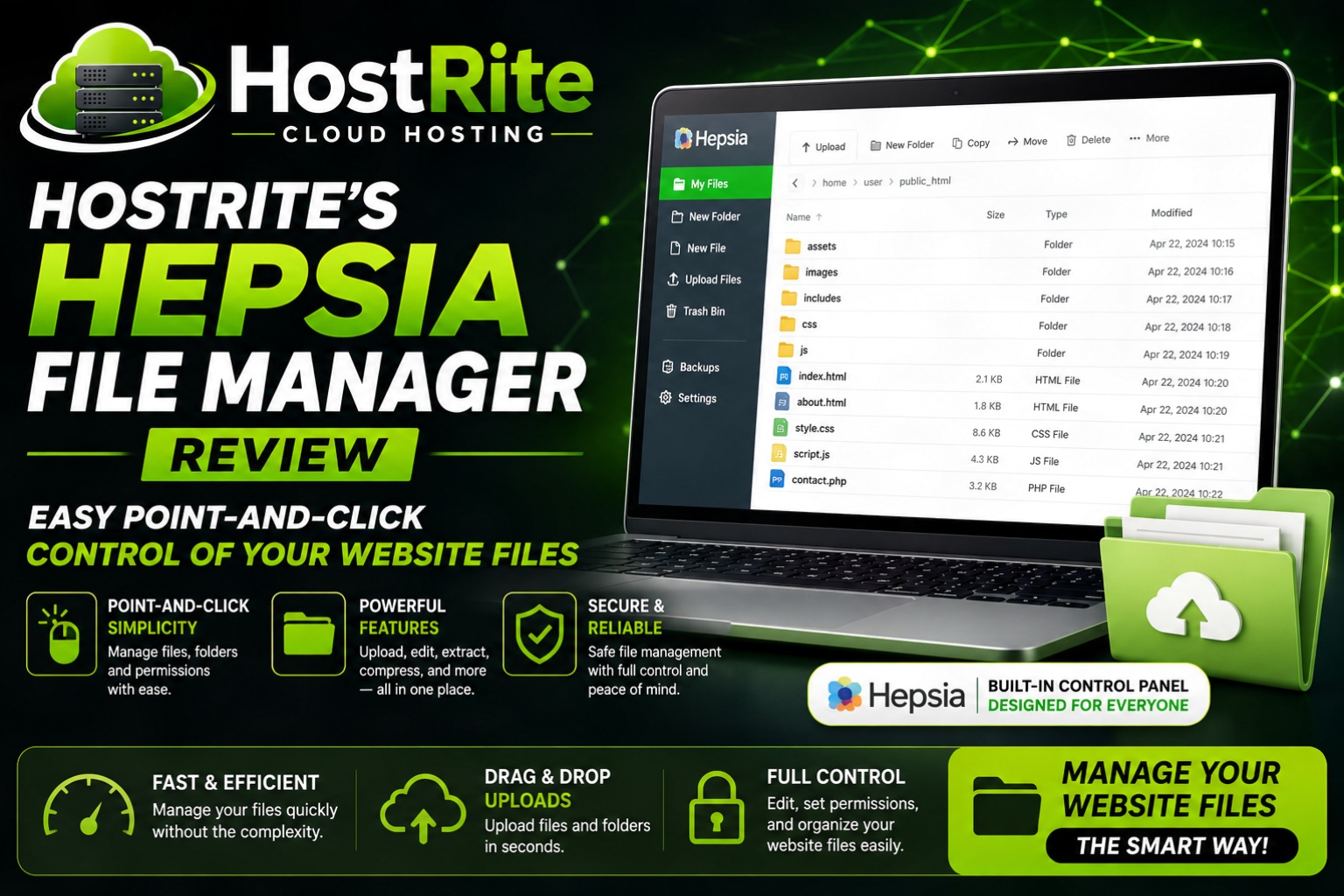
- Hepsia
- cPanel
- Plesk
- DirectAdmin
- A proprietary control panel
Then ask whether you can use the panel to manage:
- Domains
- DNS
- Databases
- Files
- Backups
- SSL
- Applications
- Statistics
A proprietary control panel is not automatically a disadvantage.
In fact, some custom panels are easier for beginners.
However, if you are already familiar with a particular system, the difference may matter.
Ask whether the host provides screenshots, demos, or documentation so you can see the interface before buying.

10. How Easy Is It to Upgrade as My Website Grows?
Your website may eventually need more resources.
Therefore, ask sales support:
“What happens when my website outgrows this plan?”
Then ask:
- What is the next upgrade level?
- Can the upgrade happen without downtime?
- Will my website need to be migrated?
- Will my IP address change?
- Will email continue working?
- Do you handle the upgrade?
- Can I move from shared hosting to VPS?
- Can I later move to a dedicated server?
A good hosting provider should have a clear growth path.
For example:
Shared Hosting → Higher-Capacity Hosting → VPS → Dedicated Server
This is especially important for businesses planning to grow.
You do not want to discover later that moving to the next hosting level requires rebuilding or manually relocating everything.
11. Can I Easily Move My Website Away If I Want To?
This is a question every customer should ask before purchasing.
Ask sales support directly:
“If I decide to leave later, can I download and move my entire website to another hosting provider?”
For traditional hosting, ask whether you receive access to:
Website files
Databases
Email
Backups
DNS records
FTP or SFTP
Database export tools
If the provider offers a proprietary website builder or AI site builder, ask additional questions:
- Can I export the full website?
- Can I download the code?
- Can I export the database?
- Can another host run the site?
- What happens to my site if I cancel?
A company should keep customers because the service is good, not because leaving is unnecessarily difficult.
Therefore, portability should be part of your buying decision.
12. Exactly What Is Included in the Price?
Two plans with the same monthly price may offer very different value.
Therefore, ask:
“Please tell me exactly what is included with this plan and what costs extra.”
Ask about:
- Domain registration
- Domain renewal
- SSL
- Email accounts
- Backups
- Migration
- CDN
- Website builder
- WordPress installation
- Malware scanning
- Dedicated IP
- Staging
- Developer tools
- Ecommerce
- AI tools
- Technical support
Then ask whether any features shown on the sales page are optional upgrades.
This is one of the best ways to uncover the true cost of the plan.
A cheap hosting package may become expensive when backups, email, security, and other features are added.
Therefore, compare complete packages rather than introductory prices alone.
Bonus Questions: What Does “Unlimited” Really Mean?
If a provider advertises unlimited hosting, ask:
“What limits still apply to the features you describe as unlimited?”
A hosting server does not contain unlimited physical resources.
Therefore, unlimited hosting may still have restrictions involving:
- CPU
- RAM
- File count
- Inodes
- Database usage
- Processes
- Email sending
- Storage policies
- Server load
This does not automatically make an unlimited plan a bad choice.
However, the acceptable-use policy matters.
Sales support should be able to explain the practical limits before you purchase.
Ask Sales Support About Email Hosting
Do not assume professional email is included.
Ask:
“Does this hosting plan include email accounts using my domain?”
For example:
you@yourbusiness.com
Then ask:
- How many mailboxes are included?
- How much storage does each account receive?
- Is spam filtering included?
- Is webmail available?
- Can I use IMAP and SMTP?
- Are there sending limits?
- Is email backed up?
Some providers include email with hosting.
Others charge separately.
Therefore, email costs should be included when comparing the overall price.
Ask WordPress-Specific Questions If You Plan to Use WordPress
If WordPress will power your site, tell sales support.
Then ask:
- Is WordPress supported?
- Is installation automated?
- Are automatic updates available?
- Is staging included?
- Can I install any plugin?
- Can I use my own themes?
- Is server-side caching available?
- Can I access the database?
- Can I move my WordPress site elsewhere?
- Do you provide WordPress support?
Some managed WordPress services restrict certain plugins or server features.
Those limitations may be perfectly reasonable.
However, you should know about them before purchasing.
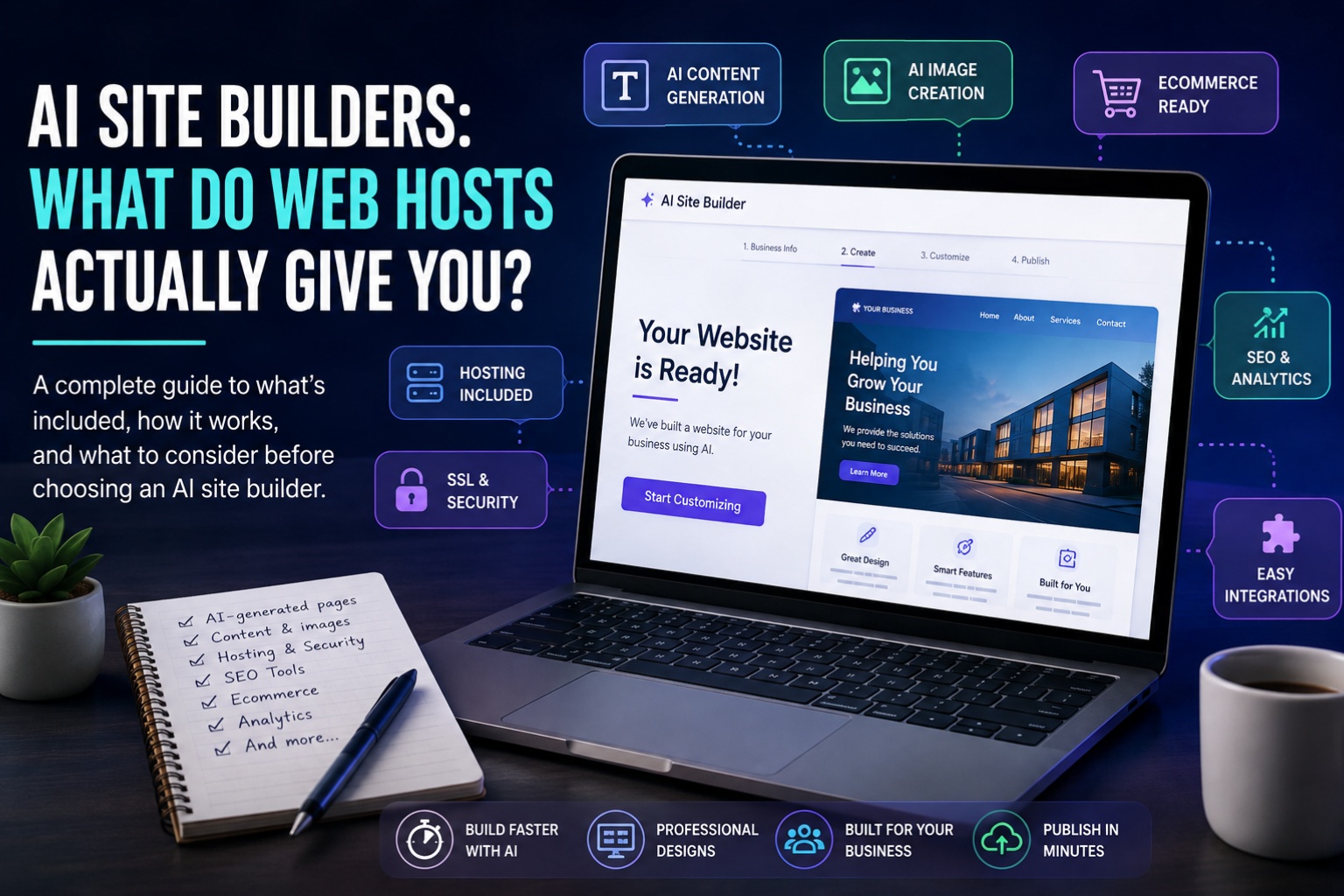
Ask About AI Website Builders Before You Use One
AI site builders are now common features in hosting plans.
They can be helpful, especially for beginners.
However, ask sales support:
“What platform does your AI website builder actually create?”
Find out whether the finished site is:
- WordPress
- A proprietary website
- Downloadable HTML or code
- A website that only runs with that provider
Also ask:
- Can I export the website?
- Are AI features limited by credits?
- Are AI images included?
- Is AI content generation included?
- Can I move the site later?
- Does the builder require an ongoing subscription?
The words AI Website Builder do not tell you enough by themselves.
The underlying platform matters much more.
Ask Sales Support About Renewal Pricing Before You Buy
Renewal pricing deserves its own discussion because it is one of the easiest details to overlook.
Ask:
“What will I pay when the introductory term ends?”
Then ask about renewals for:
- Hosting
- Domains
- Security tools
- Backups
- Add-ons
A provider that clearly explains future pricing before the sale is easier to evaluate than one that makes renewal information difficult to find.
Therefore, get the full renewal picture before committing to a long-term plan.
Should You Choose the Cheapest Hosting Provider?
Not necessarily.
Cheap hosting can be perfectly suitable for many websites.
However, the lowest price does not automatically represent the best value.
For example, a slightly more expensive plan may include:
- Better resources
- Backups
- SSL
- More data-center choices
- Better support
- Easier migrations
On the other hand, an expensive plan is not automatically superior either.
Therefore, ask sales support to explain exactly why a particular plan fits your needs.
You should be able to understand what you are paying for.
Red Flags During a Sales Support Conversation
The sales conversation itself can help you evaluate the provider.
Potential warning signs include:
- Sales repeatedly avoids direct questions
- Renewal pricing is difficult to obtain
- Resource limits cannot be explained
- Backup terms are vague
- Support coverage is unclear
- Migration answers are inconsistent
- Every question results in an upsell
- The representative promises unrealistic performance
- Important policies cannot be provided in writing
One unclear answer does not automatically mean a hosting company is poor.
However, repeated vague or evasive responses should encourage you to investigate further.
Good hosting companies should be comfortable explaining what they sell.
A 12-Question Checklist to Ask Hosting Sales Support
Before buying, ask these questions:
1. Which hosting plan do you recommend for my website, and why?
2. What will the total price be initially and at renewal?
3. What server resources and performance limits are included?
4. What uptime do you guarantee, and where can I read the policy?
5. Which data center will host my website, and can I choose the location?
6. What security features are included at no extra charge?
7. How often are backups made, how long are they retained, and how do restores work?
8. What does technical support actually help with?
9. Which control panel will I use?
10. How easy is it to upgrade when my site grows?
11. Can I easily move my complete website elsewhere later?
12. Exactly what is included in the price, and what costs extra?
Keep these questions open while talking with sales support.
Better yet, save the answers.
If the provider offers live chat, keeping a copy of the conversation may make it easier to compare several hosting companies later.
Frequently Asked Questions About Choosing a Hosting Provider
Should I contact sales support before buying web hosting?
Yes.
Sales support can clarify pricing, plan limits, server locations, upgrades, included features, and other details that may not be obvious from the sales page.
It also gives you an early impression of how clearly the company communicates.
What is the most important question to ask a web hosting sales representative?
There is no single question that covers everything.
However, asking exactly what is included, what it costs at renewal, what the resource limits are, and whether the website can be moved later will reveal a great deal about the service.
Should I trust everything sales support tells me?
Sales representatives can be useful sources of information, but important promises should also be confirmed in the provider’s published terms, policies, and documentation.
Therefore, ask for links to relevant policies when discussing uptime, refunds, backups, or resource limits.
Is shared hosting good enough for a new website?
For many websites, yes.
Small businesses, blogs, portfolios, and modest WordPress websites can often begin successfully on quality shared hosting.
Ask sales support what upgrade options are available if your site grows.
Do I need an SSL certificate?
Yes, modern websites should use HTTPS.
Ask whether SSL is included, automatically installed, and renewed without an additional fee.
How important are backups?
Very important.
Ask exactly how frequently backups are created, how long they are retained, and whether restoration costs extra.
Can I move my website to another hosting company later?
Usually, yes, particularly with traditional hosting and portable platforms such as WordPress.
However, proprietary website builders may have different migration limitations.
Ask before you commit.
Should I choose hosting with a free domain?
A promotional domain can be useful.
However, ask what the domain costs when it renews and confirm that you maintain control over the registration.
Is 24/7 hosting support enough?
The hours alone do not tell you much.
Ask what support actually covers and how urgent issues are handled.
Should I ask about refund policies before buying?
Yes.
Ask how long the money-back period lasts, what services are excluded, and whether domain or setup fees are refundable.
Final Thoughts: Ask Sales Support Before Choosing a Hosting Provider
Learning how to choose a hosting provider is not simply a matter of comparing prices on a website.
One of the smartest things you can do before purchasing is talk to the provider’s sales support team.
Ask specific questions.
Find out what the plan really costs. Ask about resource limits. Confirm where the server is located. Understand how backups work. Find out what technical support actually covers. Ask how upgrades work and whether you can easily move your site elsewhere later.
Most importantly, pay attention to the quality of the answers.
A knowledgeable sales representative should be able to explain the service clearly without hiding important details behind vague marketing language.
Therefore, treat the sales conversation as part of your hosting research.
The best hosting provider is not necessarily the cheapest company or the one with the longest feature list.
Instead, look for a provider offering the right combination of reliability, performance, transparency, security, support, scalability, control, and value for your website.
Before entering your payment information, ask the 12 questions above.
The answers can tell you almost everything you need to know before choosing your next hosting provider.