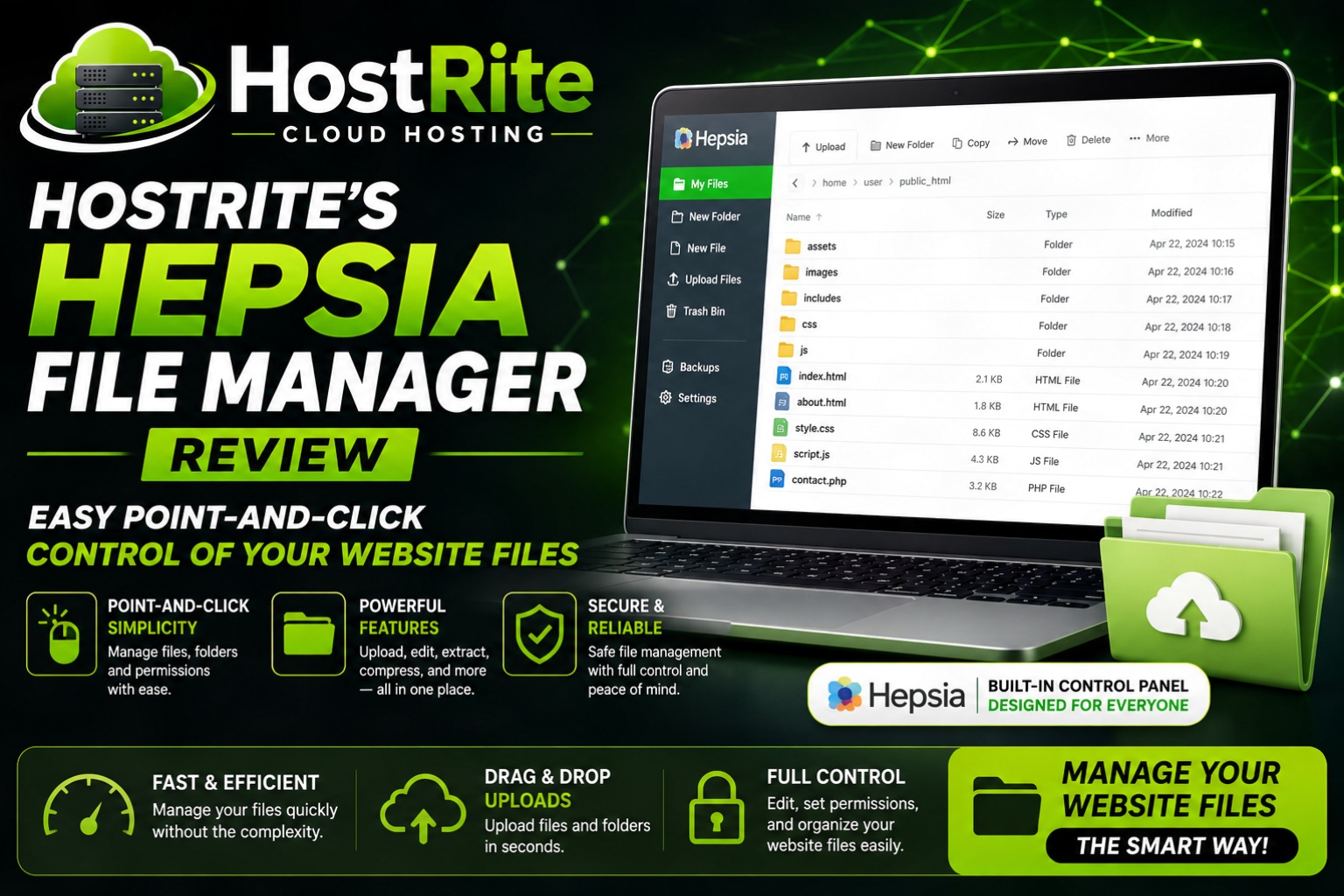
HostRite File Manager Easy Point and Click Control of Your Website Files At HostRite
If you’ve ever struggled with FTP clients or complicated file tools, HostRite’s Hepsia File Manager is a welcome change. Built right into the Control Panel, it lets you manage your website files with simple point and right click actions and context menus that feel a lot like working on your own home or work computer.
Moreover, the interface is designed to be approachable even if you’re not especially technical.
HostRite File Manager Fast File Uploads and Downloads
In addition to the usual upload buttons, HostRite’s File Manager supports drag-and-drop. You can grab files from your computer and drop them straight into the browser window. Downloading works the same way — just select a file or folder and hit the Download button. As a result, moving content between your PC and the server becomes much quicker and less frustrating.
Easy File Editing Options
Furthermore, creating, renaming, copying, moving, or deleting files and folders is straightforward. Action buttons sit right above the file list, and right-click context menus give you fast access to common options. You can also change permissions or explore file contents without leaving the panel.
Handy Archive / Unarchive Tools
Need to compress or extract files? HostRite’s File Manager handles that too. Select the files you want, choose a format (.zip, .rar, etc.), and hit Compress. Extracting an archive into a specific folder is just as simple. Consequently, you don’t need external tools for basic packaging and unpacking.
Built in File Editors
One of the stronger points is the set of built-in editors. There’s an image viewer so you can preview pictures before they go live. You’ll also find a plain text editor, a code editor for more advanced users, and a WYSIWYG editor that shows changes in real time. Because of this, many everyday edits can be done without downloading files or opening external software.
Extra Convenience Features
In addition to the core tools, our File Manager includes a Host Shortcut that lets you quickly switch between sites if you host more than one. It also supports common keyboard commands — Delete to remove items, Ctrl to multi-select, and so on — which helps speed up larger tasks.
Bottom Line
Overall, HostRite’s Hepsia File Manager keeps file management simple and accessible. It covers the everyday needs most site owners have — uploading, editing, organizing, compressing, and previewing — without forcing you into more complicated tools. Don’t take our word for it. Try our Free Demo or Sign-Up for a Free 30 Day Trial!
Summary
America-first take: Controlling your own website files should be straightforward. A clean, built-in File Manager like this helps independent site owners stay in charge of their content without relying on extra software or complicated workarounds.
Your Opinion Counts!
hat do y’all think? Do you prefer working with a web-based File Manager, or do you still stick with traditional FTP? Drop your experiences below.