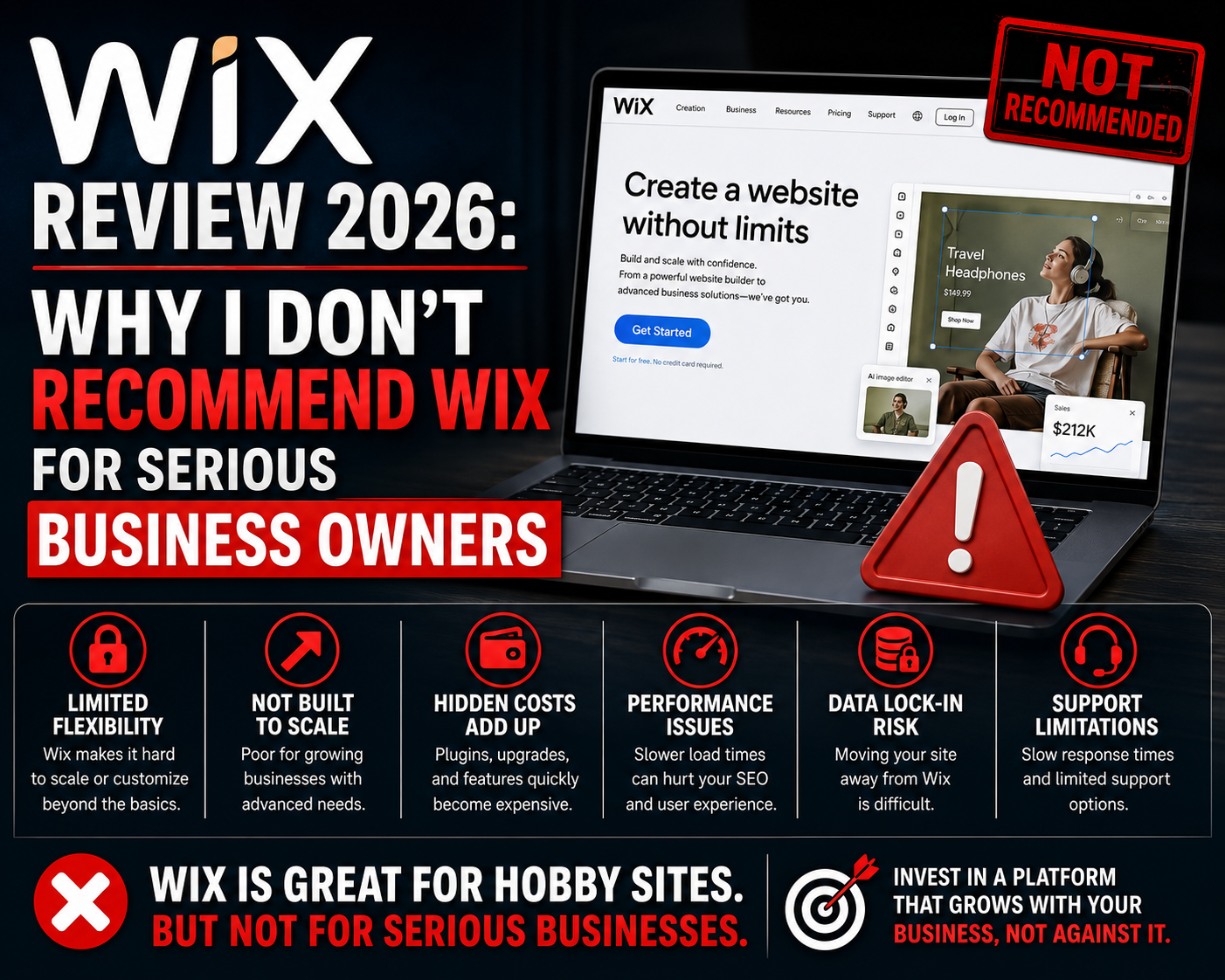
Wix For Business?
A veteran web designer with 14 years of experience and 400+ client sites drops a detailed take-down of Wix.
I’ve reviewed the full Jess Creatives article (July 2026) and broke it down point by point with an America-first analysis.
Here’s Wix Review 2026: everything you need to know before you invest your time and money in the wrong platform.
The Bottom Line Up Front
Wix makes it expensive to build a truly responsive website, and leaving once you’re in is nearly impossible.
Your website is often the very first impression potential customers get of your brand. It’s not just a pretty page — it’s a long-term business asset that needs to look professional everywhere and grow with you.
Two Big Reasons to Avoid Wix for Business
Reason #1: Full Responsiveness Costs Extra
In 2026, you’d expect modern responsive design (your site looking perfect on phones, tablets, and desktops) to be standard. Not with regular Wix plans.
- Standard Wix uses an older drag-and-drop editor that doesn’t handle different screen sizes well — elements overlap, disappear, or look broken.
- True modern responsiveness (CSS grid based) requires upgrading to Wix Studio, which costs roughly $2 more per month.
- A “mobile editor” is not the same as a fully responsive site.
Every visitor who lands on a broken layout on their device forms a bad brand impression. For a serious business, that’s unacceptable.
Reason #2: Wix Lock-In — Leaving Means Starting Over
This is the bigger problem.
Wix has no real export feature. You can’t easily take your content with you.
- Migrating means manually copying every single page, blog post, image, and piece of content.
- Third-party tools are unreliable according to the author’s experience.
- For a site with hundreds of posts (like hers with 300+), you’re looking at dozens of hours of work or paying $500–$2,000+ for migration services with no guarantees.
The author easily moved from Squarespace to WordPress in just a few clicks. On Wix? Nightmare.
Wix has deliberately built their platform to make leaving painful so you stay locked in and keep paying. That’s not customer-friendly — it’s retention engineering.
Key truth: You own your content. Moreover, you should be able to move it freely, Wix Review 2026.
Better Alternatives the Author Recommends?
- WordPress (Self-Hosted): Don’t fear it. Most frustration comes from bad themes, not the platform itself. Great options like Kadence or Divi make it powerful and user-friendly. Full control, full ownership.
- Squarespace: The best “easier” alternative if WordPress feels overwhelming. You can actually export your content when needed.
HostRite Final Verdict?
This article nails it. Wix might be tempting for beginners who want drag-and-drop simplicity, but for anyone building a serious, long-term business, the hidden costs and total lack of freedom make it a poor choice.
America-First Take: Real independence online means owning your domain, your content, and your platform. Don’t get trapped in someone else’s ecosystem. Choose tools that give you control — like properly hosted WordPress on reliable providers such as HostRite. Build strong, build free, and keep what’s yours.
What do y’all think? Have you run into Wix problems or successfully migrated away from it? Are you team WordPress, Squarespace, or something else? Drop your real-world experiences in the comments!
Get real Web Hosting https://hostrite.net/