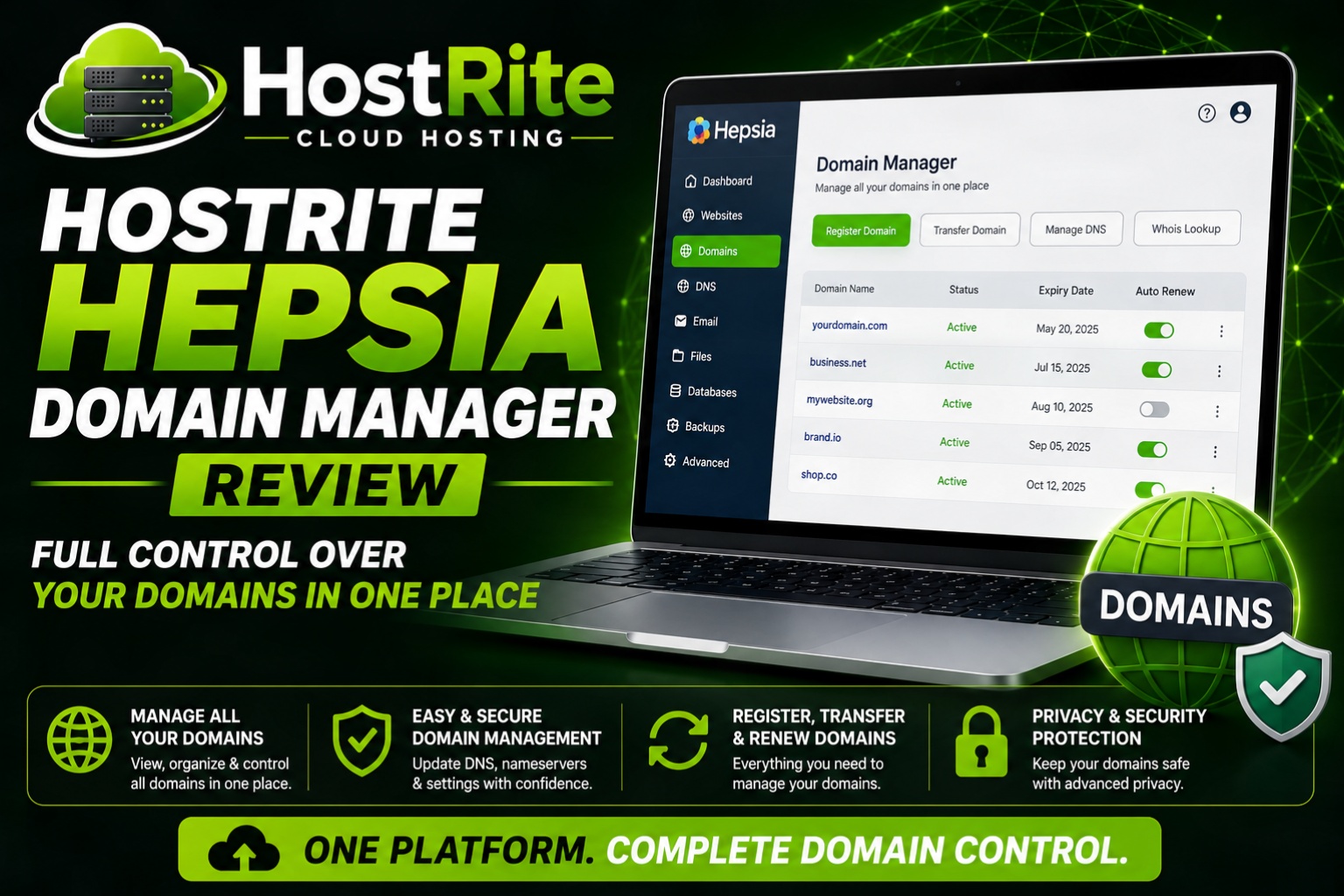
HostRites Domain Manager Is Right In Our Hosting Control Panel!
If you manage one or more domain names, HostRite’s Hepsia Domain Manager gives you a central place to handle most important tasks. You can register, transfer, renew, and manage domains from the same panel without jumping between different systems.
Moreover, the tools are designed to be approachable even if you’re not a DNS expert.
Manage DNS Records
In addition to basic domain handling, you get full control over DNS records. You can create and edit A, AAAA, MX, CNAME, TXT, SRV, and other record types. You can even set up your own custom nameservers (for example, dns1.your-domain.com). As a result, you can point domains, set up email, or configure third-party services without leaving the Control Panel. Take our Demo or Signup for our Free 30 day Hosting Trial.
Domain Parking
Furthermore, HostRite’s Domain Manager includes easy domain parking. You can park a domain so it redirects to another site or displays a simple template page. This is useful when you’re holding a name for a future project or want a temporary redirect while a new site is under construction.
ID Protection (Whois Privacy)
Privacy is another strong point. By default, domain registration details are public. With ID Protection enabled, your personal or business contact information is hidden, and the WHOIS lookup shows the registrar’s details instead. Consequently, this helps reduce unwanted contact and lowers the risk of domain-related spam or social engineering. HostRite Hepsia Domain Manager Review.
Multi-Domain Management
If you work with several domains, the interface supports bulk actions. You can register multiple domains at once, renew them before they expire, and turn on ID Protection across several names with a single click. In addition, updating WHOIS data and setting up redirects is straightforward from the same screen.
Extra Tools
Beyond the core features, HostRite’s Domain Manager also lets you:
- Install Free SSL Certificates or Purchase Premium SSL certificates at a discounted rate
- Quickly redirect domains to other websites
- Access related tools such as file management, email accounts, FTP, subdomains, and traffic stats without switching panels
Overall, these extras help keep domain-related tasks in one consistent place.
Bottom Line
HostRite’s Hepsia Domain Manager covers the main things most site owners need: registration, transfers, DNS control, parking, privacy, and multi-domain handling. It’s not overloaded with complex options, which makes everyday management simpler.
Summary
America-first take: Owning your domains is one of the most basic forms of online independence. Having clear tools to manage them — including privacy and DNS control — helps you stay in charge of your digital presence instead of relying on third-party platforms.
Share Your Opinion
What do y’all think? Do you manage domains through your hosting panel, or do you prefer a separate registrar? Share your experience below.